Public Wi-Fi is convenient — and risky by default.
Best VPNs for Wi-Fi Security: What to Use on Public Networks
Cafes, airports, hotels, coworking spaces all use shared networks that you don’t control. In these environments, attackers don’t need advanced hacking skills. Often, simply being on the same Wi-Fi network is enough to intercept traffic, capture login credentials, or redirect users to fake websites.
A VPN reduces these risks by creating an encrypted tunnel for all internet traffic, making it extremely difficult for third parties to see or manipulate what you’re doing online. This is especially important when accessing email, banking apps, work tools, or personal accounts over public Wi-Fi.
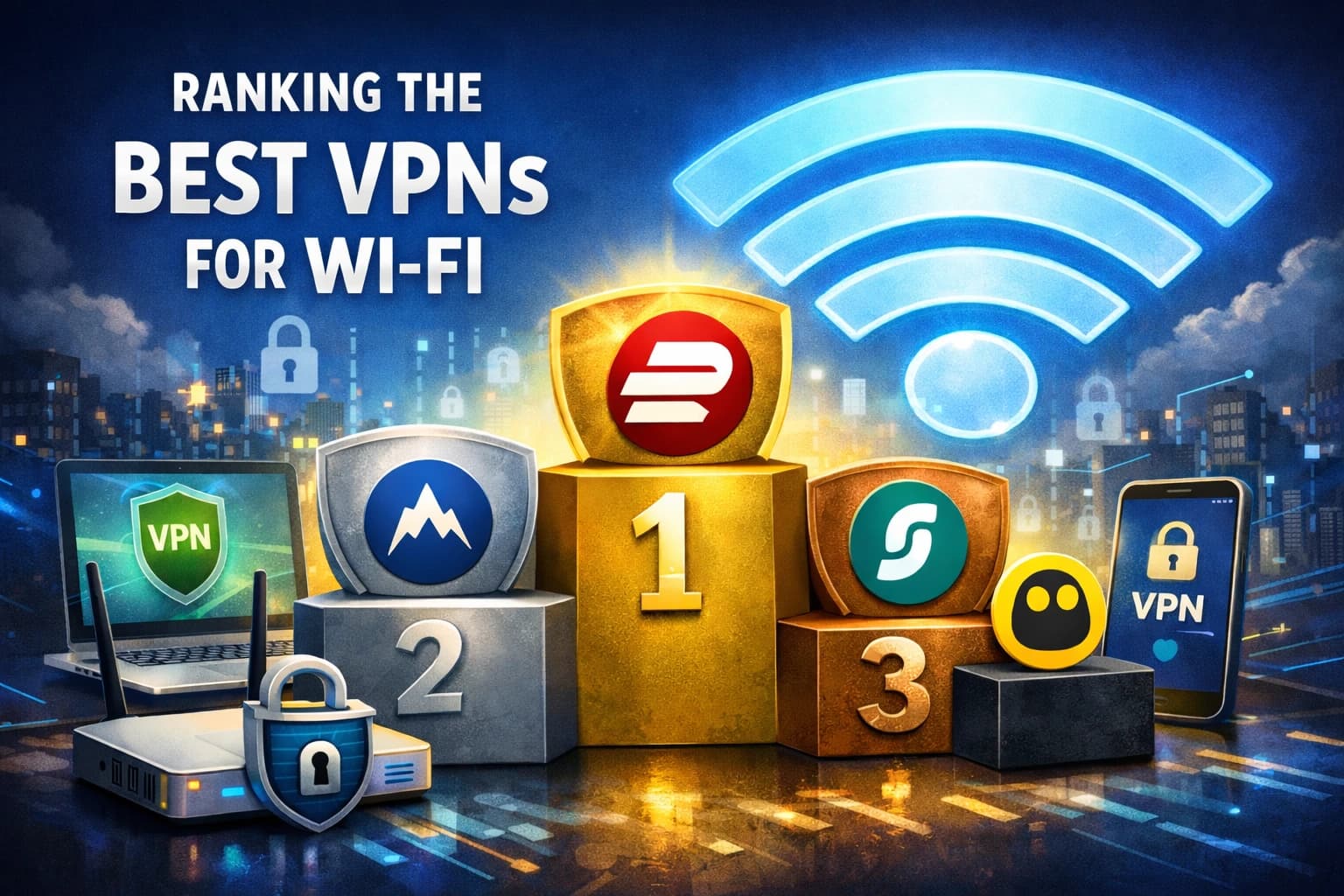
What to Look for in a VPN If You Use Wi-Fi Often
Not every VPN is suitable for public or shared networks. For Wi-Fi protection, reliability and security matter more than flashy features.
Key requirements include:
- Full traffic encryption (not browser-only)
- Stable connections on unstable networks
- Strong leak protection (DNS, IP, IPv6)
- Automatic reconnection when Wi-Fi changes
- Kill Switch support
Paid VPN services usually perform far better in these areas than free alternatives.
Paid VPN Services That Work Best on Public Wi-Fi
Below are well-established VPN providers known for strong security and stable performance on public and shared Wi-Fi networks.
ExpressVPN
A well-balanced option focused on speed and security.
- Strong encryption and modern VPN protocols
- Very stable on public Wi-Fi networks
- Easy setup on phones, laptops, and routers
Suitable if you want a reliable “set it and forget it” solution.
NordVPN
A privacy-focused VPN with additional security layers.
- Strong encryption and strict privacy policies
- Built-in protection against phishing and malicious domains
- Performs well on public and hotel Wi-Fi
A good choice if online privacy is your top priority.
Surfshark
A budget-friendly option without major compromises.
- Unlimited number of devices per account
- Strong security features and modern protocols
- Good performance on public Wi-Fi
Works well for users with many devices or families.
CyberGhost
Designed for simplicity and broad use cases.
- Large server network
- Easy-to-use apps for beginners
- Suitable for Wi-Fi security, streaming, and general browsing
Best if you want straightforward apps with minimal setup. All of these VPNs encrypt all network traffic, not just browser data, and are far more reliable on public Wi-Fi than most free VPN services.
Protecting an Entire Wi-Fi Network with a VPN Router
If you want to secure all devices at once, a VPN installed directly on a router is worth considering. With a VPN router:
- All connected devices are protected automatically
- Smart TVs, consoles, and IoT devices are covered
- You don’t need to install apps on every device
Most major VPN providers (including ExpressVPN, NordVPN, Surfshark, and CyberGhost) support router installations. Things to keep in mind:
- VPN encryption adds some latency
- Router hardware affects performance
- Not all routers support modern VPN protocols
For homes or small offices with many devices, this setup is often the most practical solution.
Why Free VPNs Are Usually a Bad Idea on Public Wi-Fi
Free VPNs often come with serious limitations:
- Speed and data caps
- Weak or outdated encryption
- Logging and selling user data
- Inconsistent protection against leaks
Using a free VPN on public Wi-Fi can defeat the purpose of using a VPN at all. If security matters, experts generally recommend avoiding free services for sensitive activities such as logging into accounts, handling payments, or working remotely.
If you do use a free VPN, choose one with a clear privacy policy and a strong reputation — and avoid transmitting sensitive information.
Quick VPN Selection Guide
| Your Priority | Recommended Option |
|---|---|
| Maximum security and reliability | ExpressVPN, NordVPN, Surfshark |
| Best value for money | Surfshark |
| Ease of use | CyberGhost |
| Full home or office protection | VPN on a router |
Final Thoughts
A VPN is not just a privacy tool — on public Wi-Fi, it’s a basic security layer.
It helps protect against traffic interception, fake hotspots, DNS manipulation, and silent data leaks that are common on shared networks. Choosing a reliable VPN and configuring it correctly makes a real difference, especially if you frequently work, travel, or access personal accounts over Wi-Fi.